Inbox and approval
The inbox (/inbox) is where your team works leads every day: it reads conversations, requests drafts from the AI and approves them before sending.
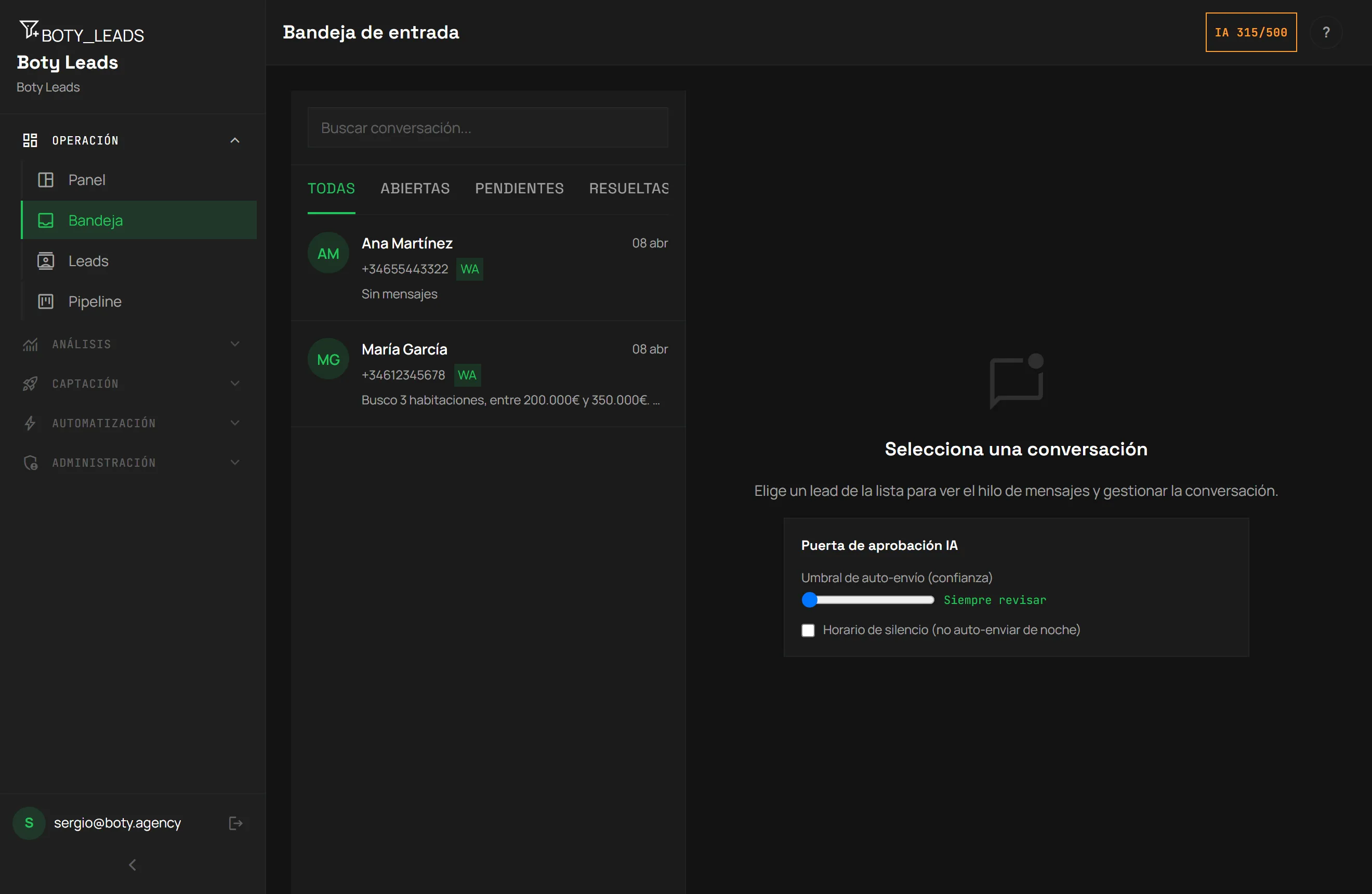
The unified inbox
Section titled “The unified inbox”In the inbox you see your leads’ conversations, whether they come from WhatsApp or web forms. New messages and leads appear instantly, without reloading the page.
From here you can:
- Open a thread and read the whole conversation.
- Write and send a reply yourself.
- Request a reply draft from the AI.
- Approve or reject drafts in the review queue.
AI drafts
Section titled “AI drafts”When you request a reply suggestion, the AI writes a short message (1-3 sentences) in the lead’s language, based on the latest messages in the conversation. That draft isn’t sent on its own: it stays in the review queue awaiting your decision.
The approval gate
Section titled “The approval gate”This is the key piece of control: the AI proposes, you decide. No AI draft is sent until a team member approves it.
In the review queue, for each draft you can:
- Approve — the text is sent as-is.
- Edit and approve — you adjust the text and your version is sent.
- Reject — nothing is sent. The rejected draft is kept for the record; it’s never deleted silently.
Who can do what
Section titled “Who can do what”Boty Leads has three roles:
- Staff (
staff) — works the inbox: reads, replies, qualifies and approves/rejects drafts. Goes to/inbox. - Manager — everything the agent can plus managing pipelines, templates and automations. Also goes to
/admin. - Owner — everything, including team management and account settings.
More detail on roles in Account and billing.
Pipeline and follow-up
Section titled “Pipeline and follow-up”From the inbox and the lead’s record you can move each opportunity through the stages of your pipeline (Kanban). This way the whole team sees where each lead stands and what comes next.
To automate part of the follow-up, see Automations.
Última verificación: