Getting started
This guide takes you from zero to your first content draft in a few minutes.
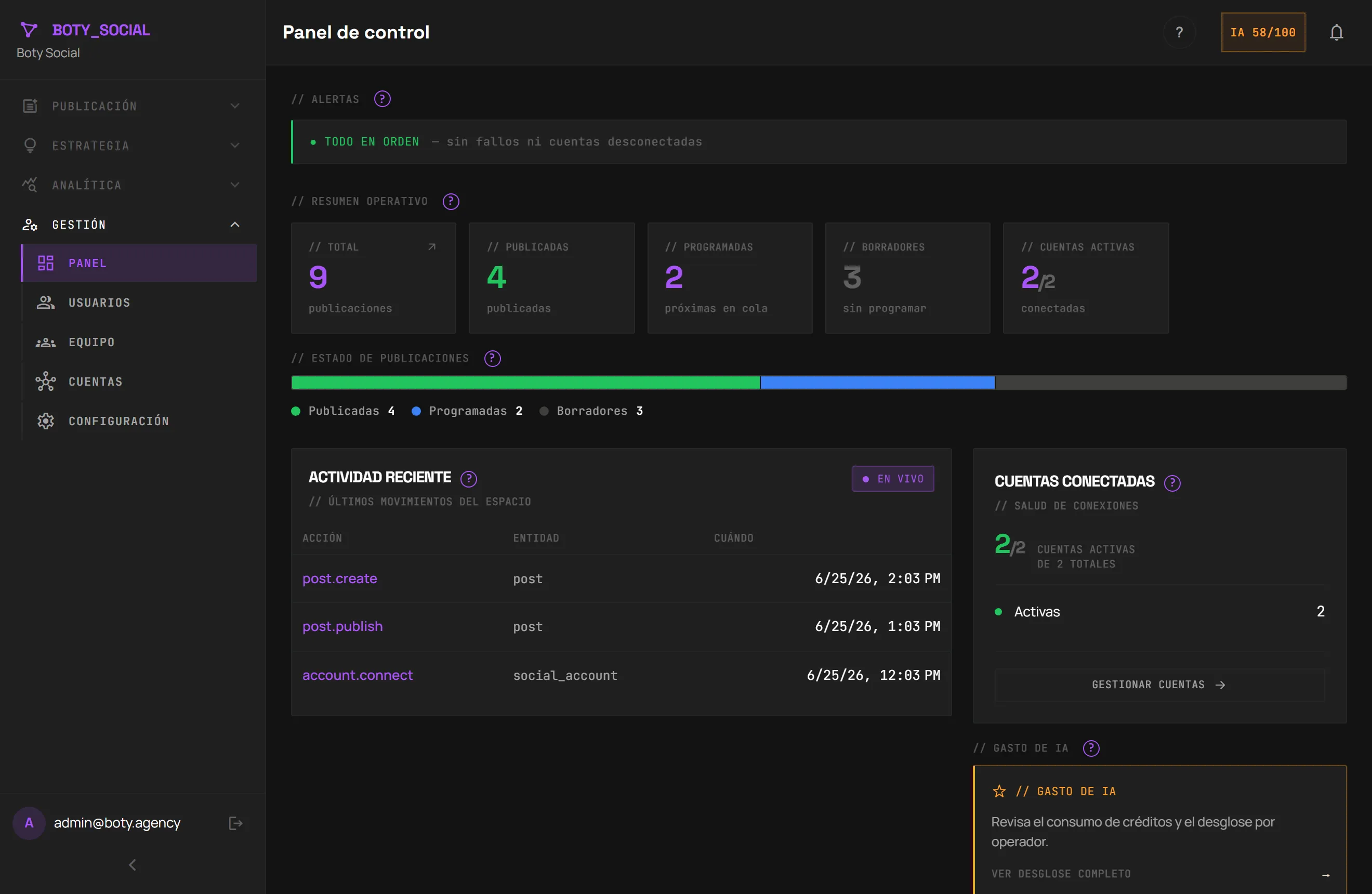
1. Create your account
Section titled “1. Create your account”Sign up from the Boty Social page. The free plan needs no card and gives you a connected account and a few AI credits per month to try out text generation.
2. Define your brand (recommended before generating)
Section titled “2. Define your brand (recommended before generating)”Before asking the AI for content, take a moment for your brand: name, tone, audience and content pillars. The better you describe your brand, the more the generated text will sound like you and less like “generic AI”.
You can even paste some of your own text or a URL and let Boty infer a first brand draft automatically. See Brand and Brand Brain.
3. Connect a network
Section titled “3. Connect a network”Connect Instagram (via Meta) or LinkedIn (via OAuth). Boty only requests the permissions to read statistics and prepare posts; you can revoke them whenever you want. See Connecting networks.
4. Generate your first draft
Section titled “4. Generate your first draft”Open the Studio, write a topic and ask the AI for a caption. You’ll see how the text comes out with the tone you defined for your brand. Adjust whatever you like: the AI creates a draft, you’re always the one who approves. See Studio (composer).
5. Schedule it
Section titled “5. Schedule it”When you’re happy with the draft, schedule it on the calendar.
What costs credits and what doesn’t
Section titled “What costs credits and what doesn’t”- Consumes credits: generating a caption, generating ideas, trend remix, generating an image.
- Doesn’t consume credits: scheduling recommendations and the post “Score” (they’re rules, not AI), and the initial brand extraction and hashtag suggestion (free on purpose).
More detail in Plans.
Última verificación: