Connect your domain
Verifying your domain is the step with the biggest impact on deliverability. Without it, your emails are far more likely to end up in spam, and Boty Mail blocks sending from unverified domains.
Why it’s mandatory
Section titled “Why it’s mandatory”Boty Mail applies a compliance gate: if your sending domain is not in a verified state, the system rejects sending (“red” state). This protects both you and the shared sending reputation. Verification checks three DNS records:
- SPF — authorizes Boty to send on behalf of your domain.
- DKIM — cryptographic signature that proves the email was not tampered with.
- DMARC — policy that tells what to do if SPF or DKIM fail.
How to verify it
Section titled “How to verify it”- In the Mail area, open the domain wizard (
/campanas/dominio). - Enter the domain you’ll use for sending.
- Boty shows you the DNS records you need to publish at your DNS provider (where you manage your domain).
- Publish those records and let Boty run the probe. The status advances through stages until it reaches verified.
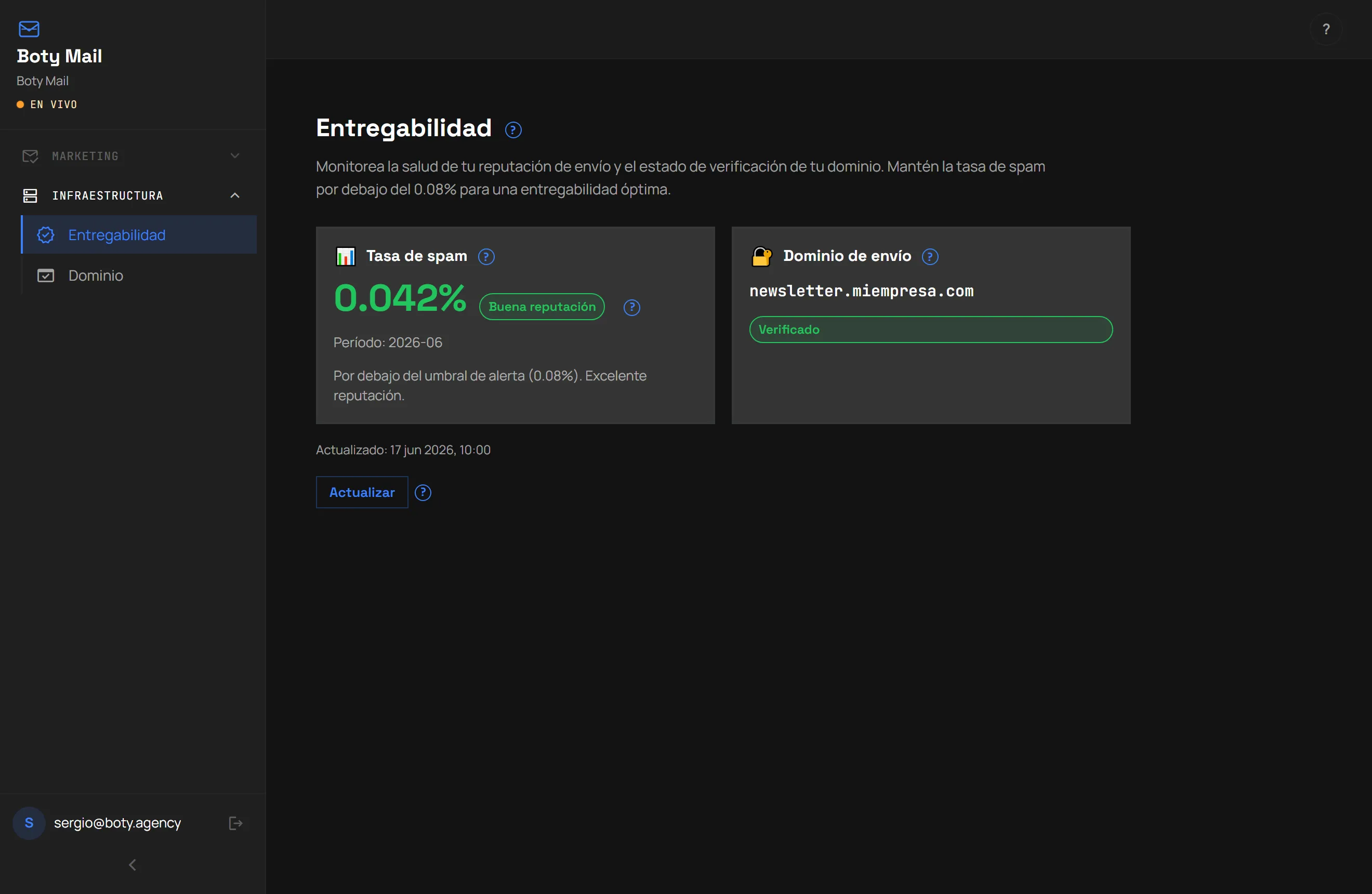
When the domain is verified, the Deliverability panel shows the status and your spam rate for the period:
Honest limitations today
Section titled “Honest limitations today”Once the domain is verified, you can generate and prepare your campaigns. See Create a campaign with AI.
Última verificación: