Calendar and publishing
The calendar gathers your drafts and scheduled posts so you can see at a glance what’s going out and when.
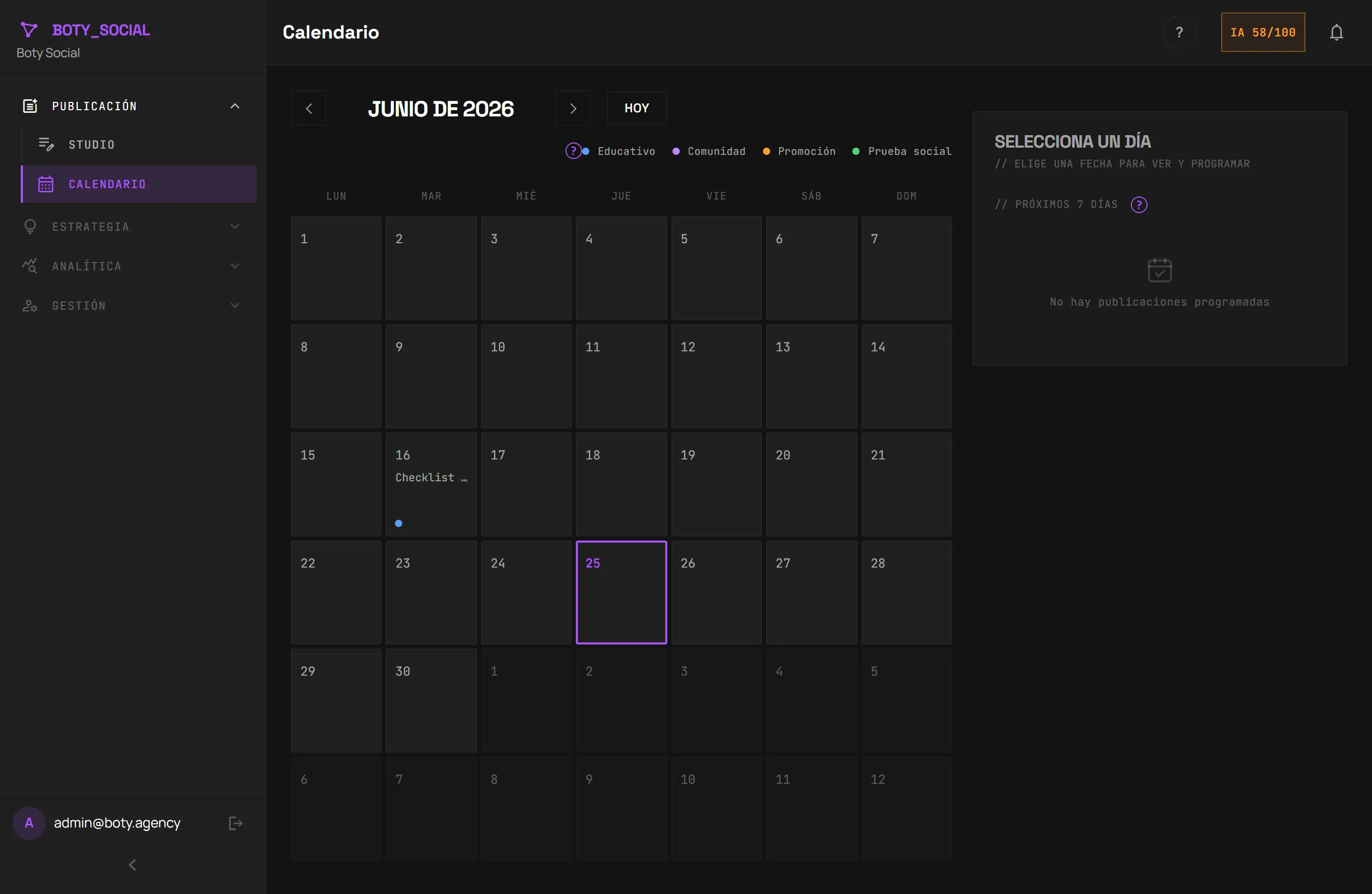
Schedule a post
Section titled “Schedule a post”- Create or generate a draft in the Studio.
- Choose Schedule and select a date and time.
- Confirm. The post stays on the calendar at the chosen time.
The “Best time” (scheduling recommendation)
Section titled “The “Best time” (scheduling recommendation)”When scheduling, Boty can suggest a “Best time” to post.
You can accept the suggestion with one click or choose your own date and time.
What happens if an account is disconnected
Section titled “What happens if an account is disconnected”If the account where you had scheduled content disconnects or its permission expires, those posts are paused until you reconnect it. Check the token health in Connecting networks.
Measuring results
Section titled “Measuring results”In Analytics you see your accounts’ activity (followers, posts, recorded engagement), with the history range your plan allows.
Última verificación: