Getting started
This guide takes you from zero to your first lead handled in Boty Leads.
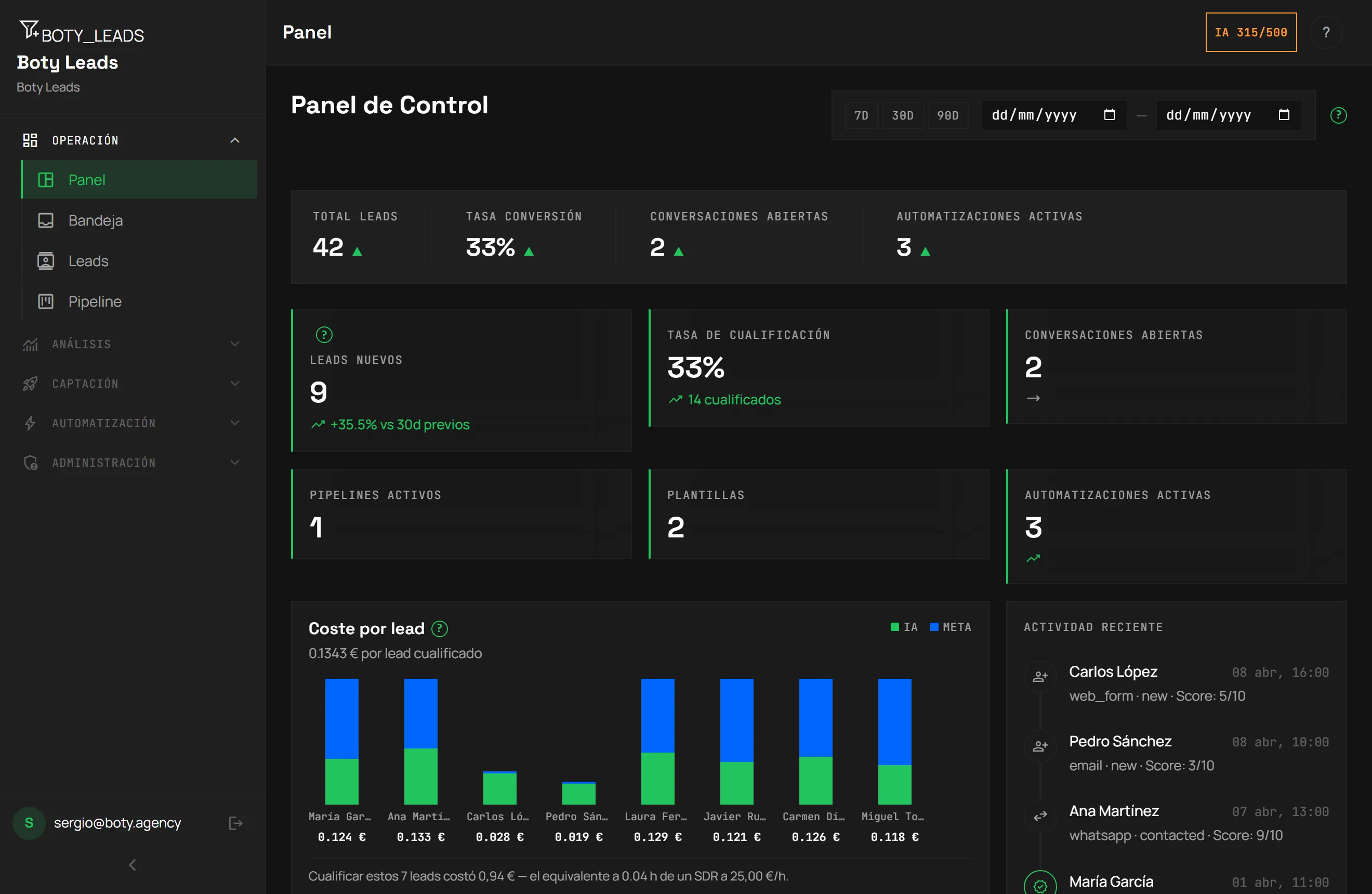
1. Get access to Boty Leads
Section titled “1. Get access to Boty Leads”Boty Leads is purchased from the Boty website. There’s a Free plan to start without a card and paid plans for when you grow (see Plans).
After subscribing, sign in at leads.boty.agency with your email and password.
2. Complete the onboarding
Section titled “2. Complete the onboarding”The first time, you’ll see a short-step onboarding wizard. You can leave it and pick it back up where you left off. This is where you prepare your account to start capturing.
3. Connect your inbound channels
Section titled “3. Connect your inbound channels”Boty Leads captures through two main channels:
- WhatsApp Business — to receive and reply to your customers’ messages.
- Web forms — to capture leads from your own website.
4. Work your first lead
Section titled “4. Work your first lead”When a lead comes in, you’ll find it in the inbox (/inbox):
- Open the conversation or the lead’s record.
- Click Qualify with AI to get a 1-to-10 grade with its justification.
- Request a reply draft from the AI, review it and approve it (or edit it before sending).
- Move the lead through the stages of your pipeline as the conversation progresses.
From here on, each new lead appears in your inbox instantly, without reloading the page.
Next steps
Section titled “Next steps”- Capturing leads — WhatsApp and web forms.
- AI scoring — how it scores and what the grade means.
- Inbox and approval — the team’s day-to-day.
Última verificación: