Capturing leads
Boty Leads captures contacts through two channels: WhatsApp Business and web forms. Both land in the same inbox and enter your pipeline.
WhatsApp Business
Section titled “WhatsApp Business”When a customer writes to you on WhatsApp, their message creates (or updates) a lead and opens a conversation in your inbox. If they reply later, it all stays in the same thread.
What you need to connect it
Section titled “What you need to connect it”The connection is made through 360dialog, an official Meta solution provider. Setup consists of registering your WhatsApp Business number and connecting the credentials 360dialog gives you.
What happens with each inbound message
Section titled “What happens with each inbound message”- If the contact is new, a lead is created with WhatsApp as the source and new status.
- The message is added to the conversation and the inbox updates instantly.
- The lead is ready to qualify with AI and to reply to.
Web forms
Section titled “Web forms”You can capture leads from any page on your website by placing a form that sends the data to Boty Leads. The lead lands in your inbox with web form as the source.
Form fields
Section titled “Form fields”- Name (required).
- Email or phone (at least one of the two).
- Optionally: last name, notes, tags and campaign information.
- A marketing consent checkbox.
Consent matters (GDPR)
Section titled “Consent matters (GDPR)”The consent checkbox isn’t decorative: it determines whether you can market to that lead.
- If the customer ticks the box, the lead is recorded with consent granted and the proof (date, policy version and technical data) is stored securely on the server.
- If they don’t tick it, the lead is saved all the same, but with consent pending: no proof is made up.
Where leads appear
Section titled “Where leads appear”Whether they come from WhatsApp or a form, all leads appear in:
- The inbox (
/inbox), with their conversations. - The My Leads list, where you can filter and save views.
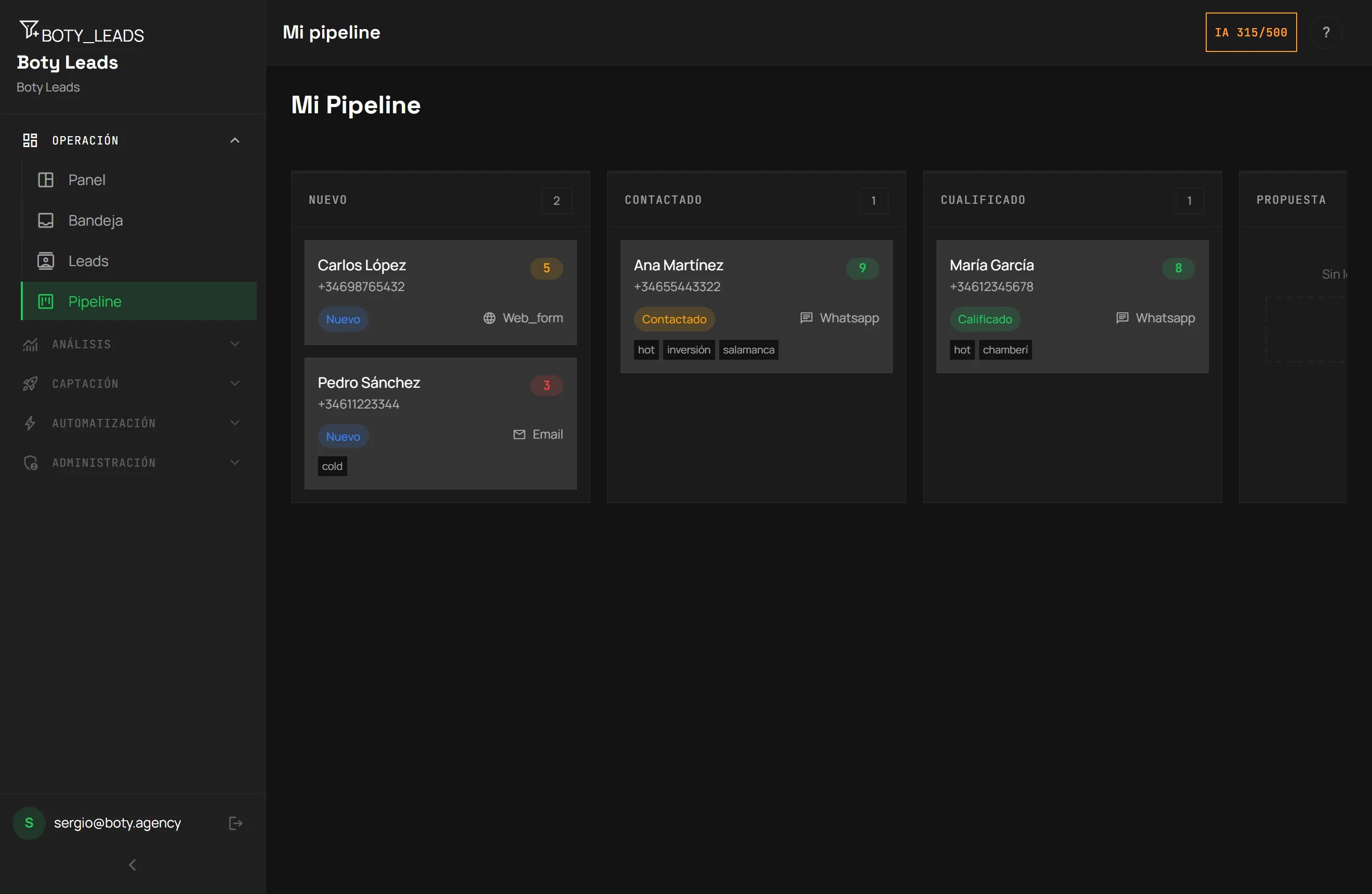
- Your pipeline, by stage.
Continue with AI scoring to prioritize who to attend to first.
Última verificación: