Getting started
This guide takes you from sign-up to your first campaign draft. Serious email marketing depends on two things: valid consent from your contacts and a verified domain so your emails reach the inbox. Boty Mail supports you on both.
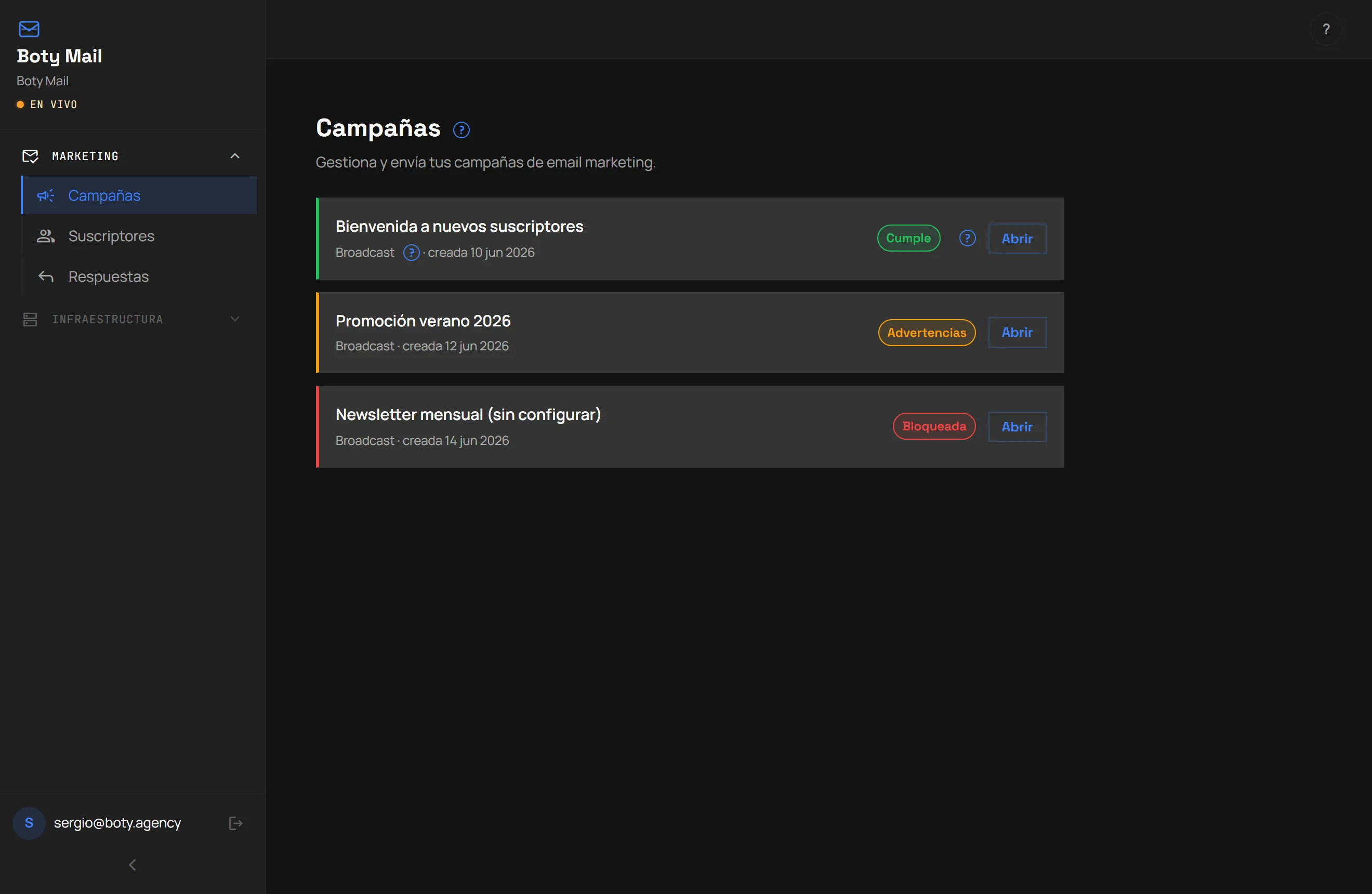
Here’s what your campaign centre (/campanas), your main workspace, looks like:
What you’ll need
Section titled “What you’ll need”- A Boty account and access to Boty Mail (see Buying and membership).
- Your own domain whose DNS records you control (to verify it).
- A contact list with consent. Boty Mail only allows sending to contacts that went through double opt-in or that have an equivalent legal basis. Uploading a purchased list is not allowed.
The recommended order
Section titled “The recommended order”- Enter your Mail workspace. After buying (or activating the free Spark
plan), you access
/campanas, your work area. - Verify your domain. It is the step that affects deliverability the most. See Connect your domain.
- Load your audience with consent. You can import contacts or use a capture form with double opt-in. Double opt-in confirmation emails do not consume your sending quota.
- Generate your first campaign with AI. You give it your business context and get a draft with the legal block included. See Create a campaign with AI.
What you can really expect in the beta
Section titled “What you can really expect in the beta”Última verificación: